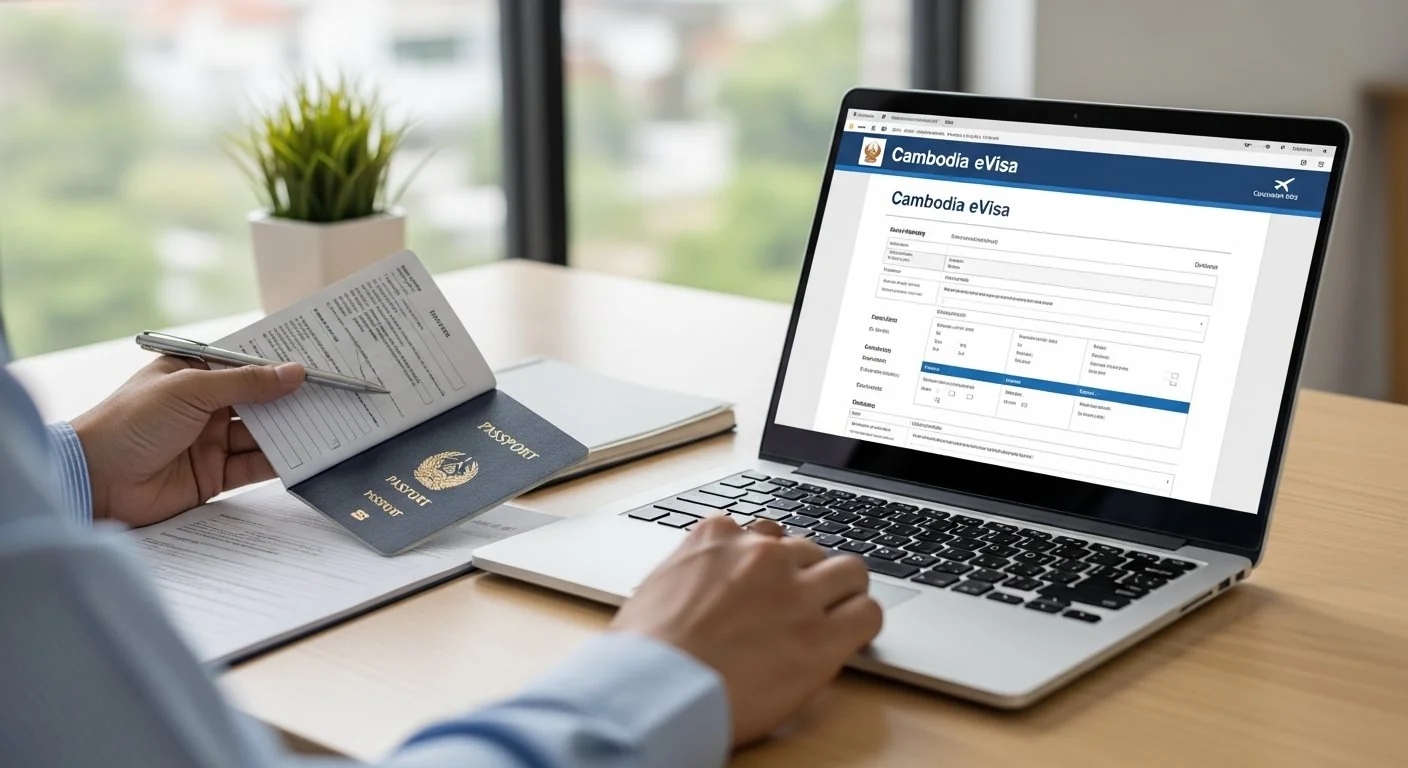
Learn how to avoid the most frequent errors that cause delays and rejections in eVisa applications.
Applying for a Cambodia eVisa is a straightforward process, but certain common mistakes can lead to delays, rejections, or complications during your travel. Understanding these errors and knowing how to avoid them will ensure your application is processed smoothly and approved without issues.
This comprehensive guide identifies the most common application mistakes that travelers make when applying for their Cambodia eVisa and provides practical solutions to prevent them. By following these guidelines, you can save time, avoid frustration, and receive your eVisa approval without delays.
One of the most critical mistakes is applying with a passport that doesn't meet the minimum validity requirement. Your passport must be valid for at least six months from the date of entry into Cambodia. Many applicants overlook this requirement and submit applications with passports that expire sooner.
How to avoid this mistake:
Submitting a blurry, dark, or incomplete scan of your passport bio page is another frequent error. The passport requirements specify that the scan must be clear and legible, showing all information including your photo, personal details, and passport number.
Best practices for passport scans:
The Cambodia eVisa photo requirements mandate a white background. Applications with colored backgrounds, patterns, or visible shadows are commonly rejected.
Photo background requirements:
Many applicants submit photos while wearing glasses, hats, or other accessories. The photo must show your face clearly without any obstructions.
What to avoid in your photo:
Using an old photograph that no longer resembles your current appearance is a significant mistake. The photo must be recent, typically taken within the last six months, and accurately represent how you look now.
Even minor spelling mistakes in your name can cause serious problems. Your name must match exactly as it appears in your passport, including the order of first, middle, and last names.
Common name-related mistakes:
Important: The visa can be canceled at the checkpoint if there are any discrepancies between the eVisa and your passport, even minor typos. Always verify all information before submitting your application.
Entering the wrong passport number or date of birth is another critical error. These details are verified at immigration, and any mismatch will result in entry denial.
How to prevent this mistake:
The Cambodia eVisa is only valid at specific entry points. Selecting an entry point where the eVisa is not accepted, or arriving at a different location than specified, will result in entry denial.
Approved entry points include:
Always verify that your planned port of entry accepts the eVisa before applying.
Providing inaccurate arrival dates or planning to enter Cambodia outside the eVisa validity period causes complications. The eVisa is valid for 90 days from the date of issue, and you must enter within this window.
Date-related considerations:
Using an incompatible payment method or having insufficient funds causes payment failures. The eVisa application accepts specific payment methods including major credit and debit cards.
Payment tips:
Applying through fraudulent or unofficial third-party websites is a serious mistake. These sites may charge excessive fees, provide poor service, or even steal your personal information. Always use the official government eVisa portal or trusted, authorized service providers.
How to identify official services:
Leaving required fields blank or incomplete will cause your application to be rejected. Every mandatory field must be filled out completely and accurately.
The Cambodia eVisa is specifically for tourism purposes. Applicants who need to conduct business activities or work must apply for a different visa type through a Cambodian embassy or consulate. Using a tourist eVisa for non-tourism purposes violates visa conditions.
Your eVisa will be delivered to the email address you provide. Using an incorrect, misspelled, or inactive email address means you won't receive your approved visa.
Email best practices:
Uploading documents in unsupported file formats causes automatic rejection. The application system typically accepts only JPG or PNG formats for photographs and passport scans.
File format requirements:
Files that are too large or too small may not upload successfully or may be rejected for poor quality.
File size guidelines:
Many travelers assume they can present their eVisa on a mobile device. While some entry points may accept this, it's recommended to print two copies of your approved eVisa—one for entry and one for departure. Black and white copies are acceptable.
Even with an approved eVisa, arriving at a border crossing or airport that doesn't accept eVisas will result in entry denial. Always confirm your entry point is on the approved list.
The eVisa is valid for 90 days from issuance, not from your intended travel date. Arriving after this 90-day window means your visa is no longer valid, and you'll be denied entry.
The tourist eVisa allows a maximum stay of 30 days. Overstaying incurs fines of approximately $10 per day and can lead to deportation and future entry bans. If you need to stay longer, apply for an extension before your visa expires.
Before submitting your Cambodia eVisa application, use this comprehensive checklist to verify everything is correct:
| Category | Check Item | Status |
|---|---|---|
| Passport | Passport valid for at least 6 months from entry date | ✓ |
| Passport | High-quality scan of passport bio page uploaded | ✓ |
| Photograph | Recent photo with white background, no glasses | ✓ |
| Photograph | Photo meets size and quality specifications | ✓ |
| Personal Info | Name spelled exactly as in passport | ✓ |
| Personal Info | Passport number entered correctly | ✓ |
| Personal Info | Date of birth accurate and properly formatted | ✓ |
| Travel Details | Entry point selected accepts eVisa | ✓ |
| Travel Details | Travel dates within eVisa validity period | ✓ |
| Contact Info | Email address spelled correctly and active | ✓ |
| Payment | Valid payment method with sufficient funds | ✓ |
| Documents | All files in JPG or PNG format | ✓ |
| Review | All information reviewed by another person | ✓ |
If your eVisa application is rejected despite your best efforts, don't panic. You have several options:
For more information on why applications are rejected, see our comprehensive guide on reasons for eVisa rejection.
Submit your application at least 7-10 days before your departure date. The standard processing time is 3 business days, but early application allows time for corrections if needed.
Review your application multiple times before submission. Have someone else check it as well—fresh eyes often catch mistakes you might miss.
Save all confirmation emails, reference numbers, and copies of your submitted documents. Print your approved eVisa and keep backups on multiple devices.
Now that you know how to avoid common mistakes, start your error-free application and receive your approved eVisa via email.
Apply for Cambodia eVisa Now